🖥️Dashboard
Overview
Administer Tibo using the dashboard available at https://app.tibo.ai/dashboard.
From the dashboard, you can add and manage users and administrators, complete integrations, and view other data on your employees, apps, and alerts, as well as important trends across your organization.
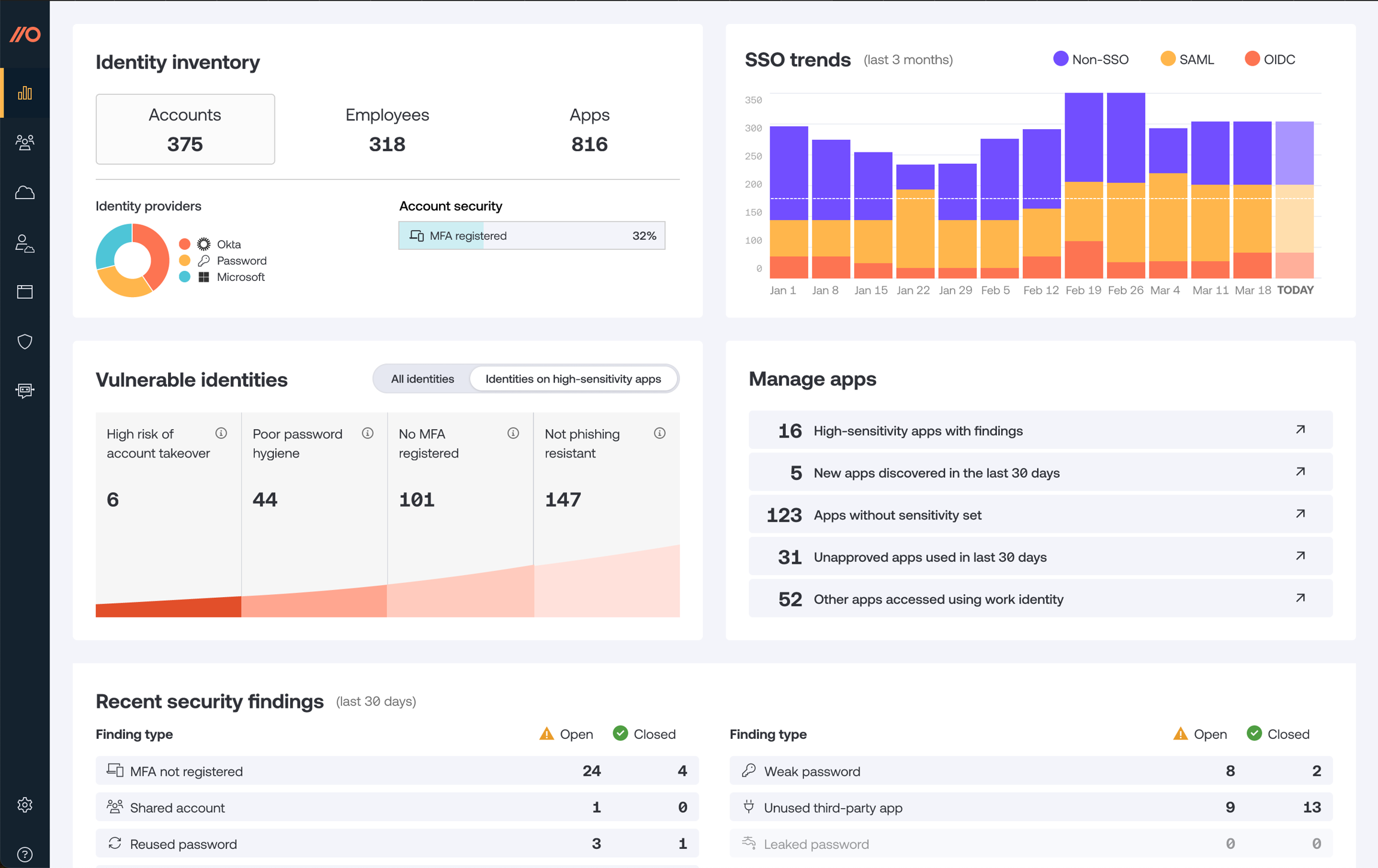
Using the Dashboard, you can see:
Your AI app inventory: The employees, and apps observed by Tibo, including trends on app usage, security alerts, browser extension enrollment percentage, senstive daata ta classification, etc.
Alert: High-importance security findings, including accounts at high risk of account takeover because they have leaked passwords and no MFA; accounts with no MFA and a weak password; accounts that lack MFA; and accounts at risk of phishing because they use weak MFA methods or no MFA.
SSO trends: The last 3 months of data on SSO usage (non-SSO vs. SAML vs. OIDC) across all your accounts.
Manage apps: Highlighted findings from your app estate, including high-sensitivity apps with security findings; new apps discovered in the last 30 days; other apps accessed using work identity, etc.
Recent security findings: An overview of the security findings that have been opened and closed in the last 30 days.
Employees, Apps, Accounts, and Browsers
In these sections, you can view detailed data tables for all the objects monitored by Tibo:
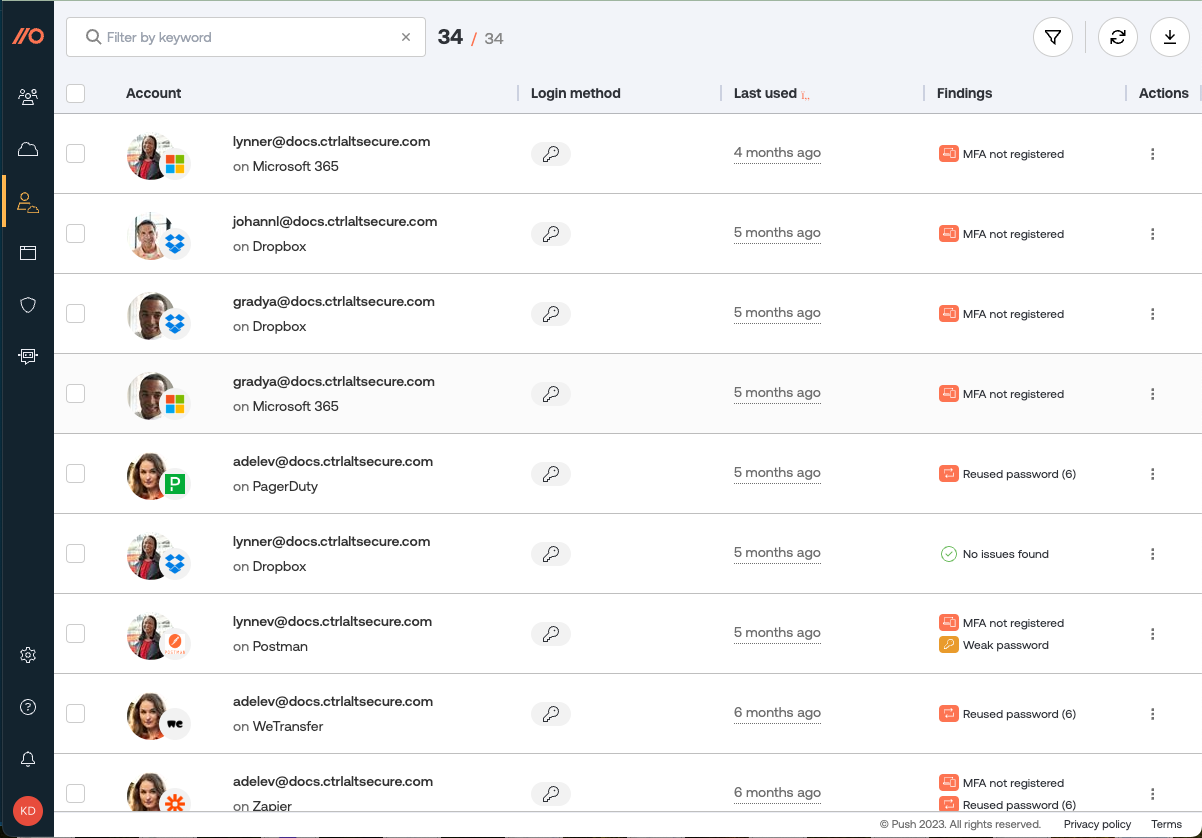
Employees: View enrolled employees and see an overview of their apps and alerts.
Apps: View all apps discovered by Tibo, and related alerts. Classify apps according to their approval status and sensitivity level.
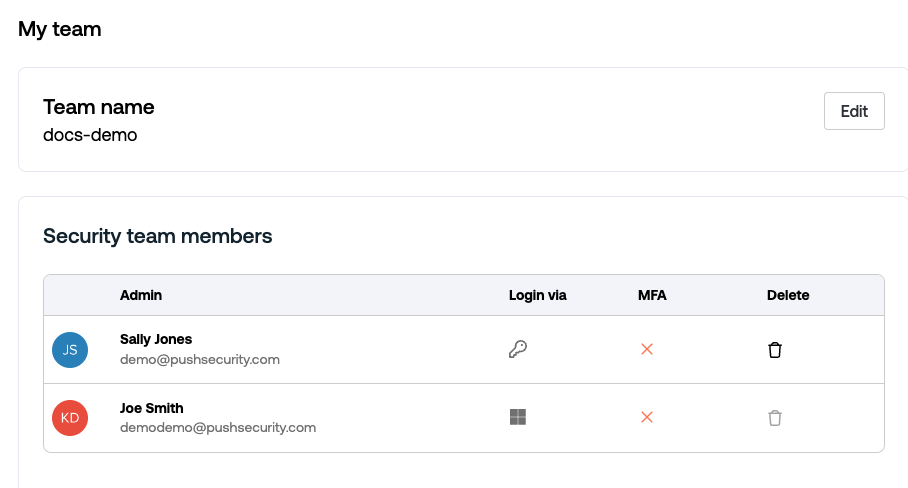
My team
Edit your team (tenant) name, add or remove Tibo administrators, and delete all data associated with your Push tenant.
My account
Manage your Tibo administrator account, such as adding a new security team member (administrator).
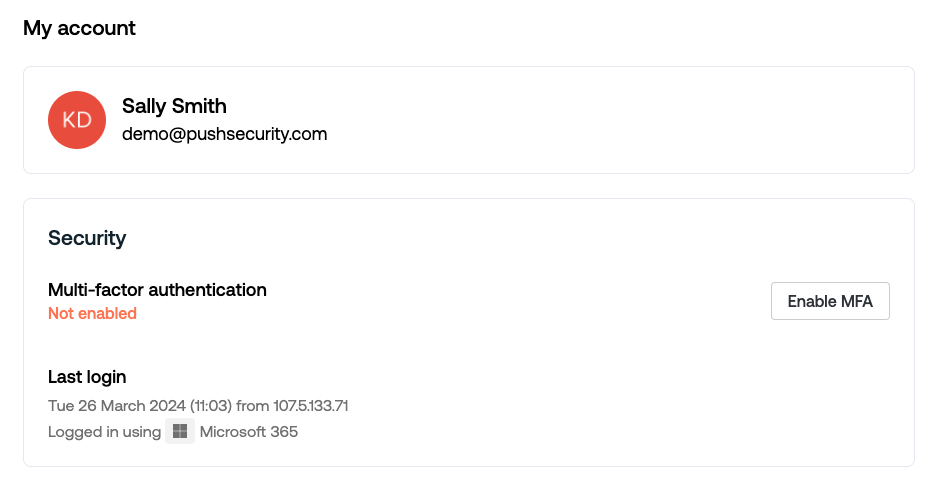
You can also delete your account from this tab.
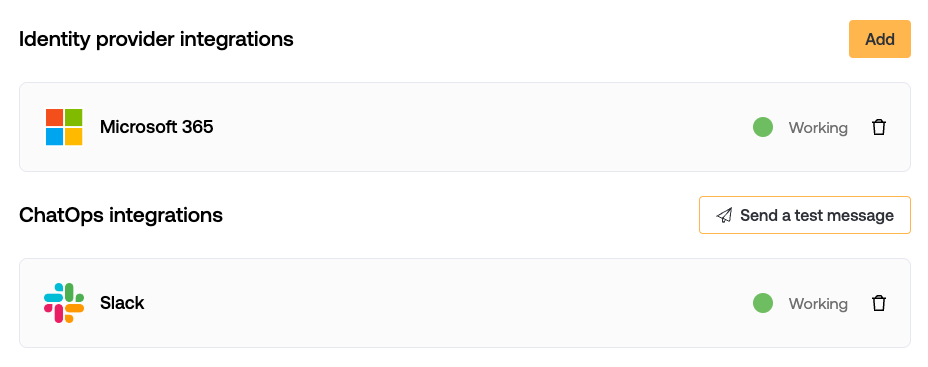
Integrations
View the identity provider connected to the Tibo platform, or remove them.
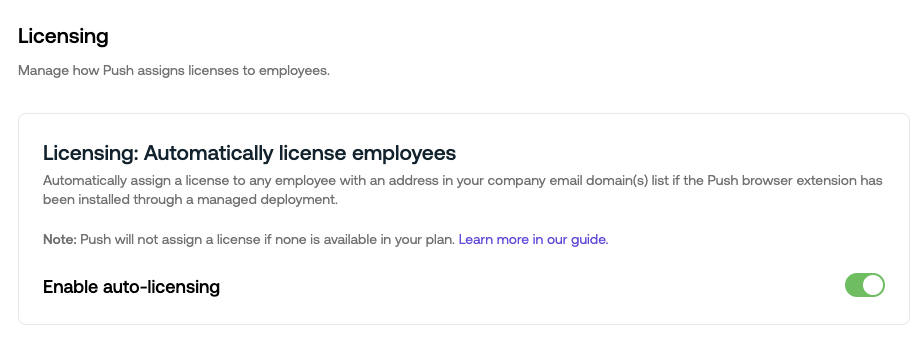
Licensing
Enable auto-licensing to allow Tibo to automatically assign a license to an employee when he/she joined your organization.
Plan & Billing
Tibo is billed on a per-license basis. Licenses are assigned to individual humans, not number of accounts. The first 10 licenses are free. You can manage your billing plan or buy more licenses from the Plan & Billing section.
Last updated